Impersonating
Impersonate another Prisma Manager
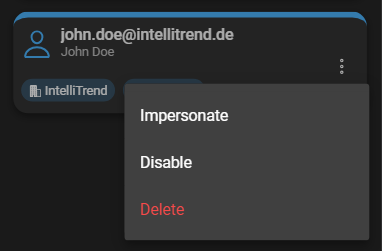
Impersonating another Prisma Manager always requires a support token. This can be be avoided, when the manager has the permission to bypass support tokens. You can impersonate another Prisma Manager by navigating to Administration > Users. Click the context menu of the user you wish to impersonate and click Impersonate.
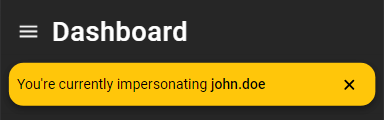
While impersonating, a warning banner will be displayed at the top of the screen. You can dismiss this warning by clicking on the Cross.
Impersonate another Prisma User
Impersonating another Prisma User requires a support token, if the user is part of another company. This can be be avoided, when the manager has the permission to bypass support tokens.
You can impersonate another Prisma User by:
- Navigating to Administration > Zabbix servers. Select the configuration button of the server, the user to be impersonated is part of.
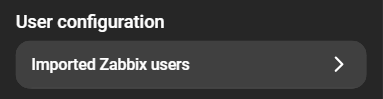
- From there navigate to User configuration at the bottom of the page and click Imported Zabbix users.
- Click the impersonate button on the card of the user you wish to impersonate.
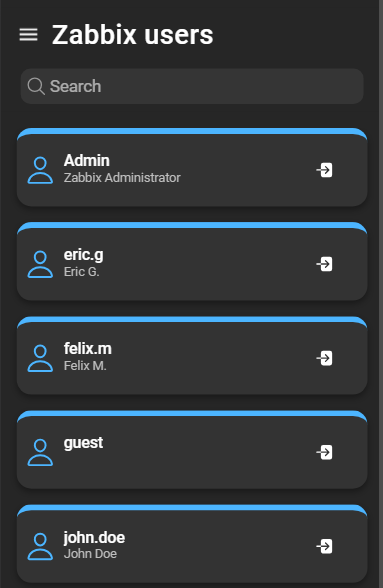
A notification will confirm that you are currently impersonating another user.
Stop impersonating
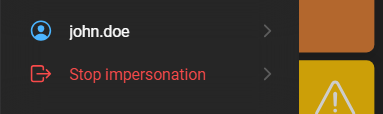
To stop the impersonation of a user, simply click on Stop Impersonating.